
Enrich your leads
Fill work emails, mobile phones, LinkedIn URLs, and company facts onto a table you already have, for a cost you approve first.
Start from a table whose rows carry one identity signal each: a LinkedIn profile URL, or a full name plus a company domain.
Add the column in the app
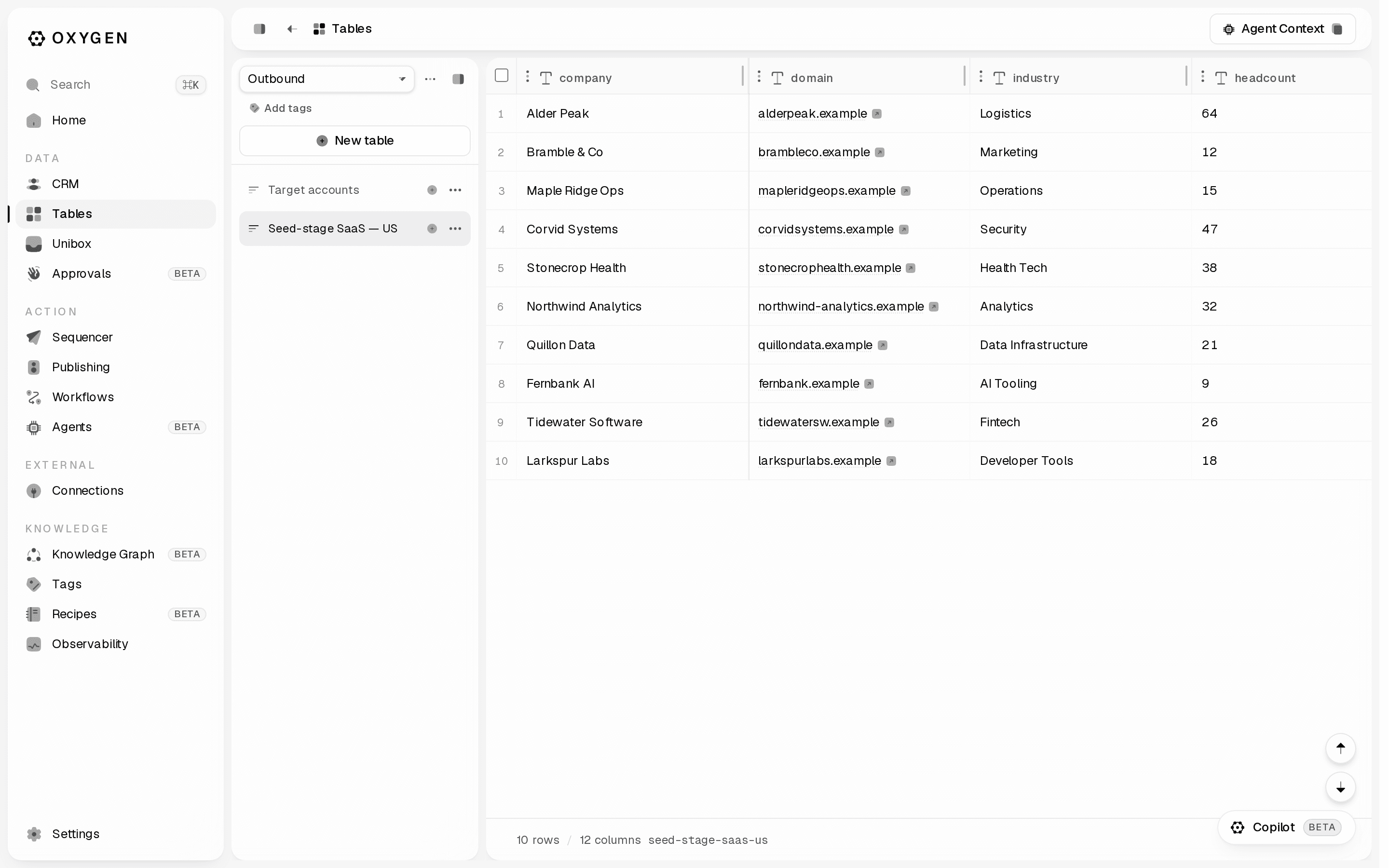
Open Tables in the sidebar, open your table (/tables/<id>), then click the + at the right end of the column header row (tooltip: Add column).
The panel opens on Column types. The first two rows are bundles: Person enrichment (one LinkedIn profile lookup, then 13 free formula columns — headline, bio, location, followers, full/first/last name, job title, current company, current company LinkedIn URL, job start date, education, school — needs a LinkedIn URL column; rows without one are skipped and cost nothing) and Company enrichment (one company lookup, about 1 credit a company, then 8 free formula columns — name, domain, LinkedIn URL, headcount, industry, description, founded year, HQ country — with the whole profile kept in its JSON column; needs a domain or company LinkedIn URL column, rows with neither are skipped and cost nothing, and it auto-binds to a current_company_linkedin_url column left by Person enrichment). Clicking one asks which column holds its input, then creates the whole bundle and opens the one paid column; nothing runs until you run it. The rows after them are the single-field waterfalls: Work email, Mobile phone, LinkedIn URL (a person's profile URL from their full name plus their company's domain, name or LinkedIn page). Everything under the Integrations divider is one vendor's tool rather than a waterfall.
Choosing an entry creates the column and opens its editor, which has five parts:
- Intent — what the column resolves.
- Waterfall sequence — the ordered provider lanes. On a work-email column you also pick a keying: Auto is recommended; LinkedIn URL, Name + Domain, and First/Last + Domain force every row down one.
- Input mapping — map your row columns onto the canonical inputs. A column with nothing mapped cannot run.
- Email verification (work email only) — a toggle. On, every found address is verified before it lands in the cell.
- Estimated cost — the typical spend, with the worst case shown as "up to".
Nothing is charged yet. The footer has Save without running and Run; Run offers Run for first 10 rows, Run for next 25 rows, Run missing results, Rerun full table, and selected rows, then a cost step showing Estimated credits, Rows affected, Per row, Recommended cap, Available, and a Max credits field ("Hard cap on credits spent. The run stops before exceeding it."). Credits move only when you confirm that step.
Why a waterfall is cheaper than one provider
Lanes run in order and a row stops at the first lane that returns a result. Billing depends on the intent: work email and phone bill on a hit — a lane that finds nothing releases its reservation, so a row resolved early never pays the lanes behind it. Company-field enrichment bills every lane it attempts, hit or miss, and so does LinkedIn URL until the 2026-09 repricing date. From that date a LinkedIn URL costs a flat 5 credits when one is found that matches the person, and nothing when none is. Full rules: tool costs. On Auto, a lane a row cannot drive is skipped, so a row with only a name and domain never pays for a LinkedIn-keyed provider. On linkedin_url, managed lanes over 50 credits per call stay off unless you pass --allow-premium-lanes (until the repricing date); on work email and phone there is nothing to gate, because a lane that misses costs nothing.
The same thing from the CLI
Preview first. It makes no provider calls and costs nothing:
oxygen enrich-column preview leads \
  --capability work_email \
  --linkedin-url-column linkedin_url \
  --company-domain-column domain \
  --limit 10 --json
Read expected_credits (typical), estimated_credits (worst case), recommended_max_credits, estimated_row_count, selected_providers, blocked_providers, and runnable.
--approved authorizes this one run; --max-credits is the ceiling it cannot cross.oxygen enrich-column run leads \
--capability work_email \
--linkedin-url-column linkedin_url \
--company-domain-column domain \
--only-missing \
--max-credits 200 \
--approved --json--capability also takes mobile_phone and linkedin_url; add --verify-phone to get line type and carrier. Follow the run with oxygen table-runs wait <run-id> --json and oxygen table-runs provider-summary <run-id> --json. The response's web_url opens the same run in the app.
Three errors stop this command:
approval_required(exit 7) — you left off--approved. Read the preview, then retry with it.selection_required— pass--limit <n>,--all, or--only-missing.invalid_enrichment_mapping— no provider can run on the columns you mapped. Map a LinkedIn URL column, or a name column plus--company-domain-column.
What lands in the table
A work_email run writes email, email_provider, email_status, and email_enriched_at, plus the JSON column work_email_enrichment holding every attempt. A mobile_phone run writes mobile_phone_e164, phone_source, phone_line_type, phone_carrier, phone_enrichment_status, and phone_enriched_at.
Read a cell before you trust it
Unsettled cells wear a chip: Queued, Running, Retrying, Rate limited, Failed. A settled cell shows none, so a blank cell with no chip means the waterfall ran and found nothing — not that it never ran.
Double-click a cell (or select it and press Enter) to open Cell details: Last run (Status, Attempts, Completed), the Value tree, and Rerun this cell. The hover button on a filled cell's right edge is Expand into result columns — or Expand sub-columns on the column header — which fans the waterfall out into one column per provider attempt; clicking one opens it as a Waterfall attempt.
Same data on the terminal:
oxygen cells inspect leads <row-id> work_email_enrichment --jsonOne row, no table
Each lookup previews for free (dry_run is the default) and needs --mode live --max-credits <n> to actually spend:
oxygen find email --full-name "Ada Lovelace" --company-domain acme.com --json
oxygen find email --full-name "Ada Lovelace" --company-domain acme.com --mode live --max-credits 20 --json
oxygen find personal-email --linkedin-url https://www.linkedin.com/in/ada --json
oxygen find personal-email --linkedin-url https://www.linkedin.com/in/ada --mode live --max-credits 20 --json
oxygen find person --linkedin-url https://www.linkedin.com/in/ada --json
oxygen find person --linkedin-url https://www.linkedin.com/in/ada --mode live --max-credits 10 --json
oxygen find phone, oxygen find linkedin, and oxygen find company --fields headcount,industry,funding_stage,latest_funding_round,revenue,technologies,job_openings take the same two modes. find personal-email finds a personal (non-work) address through its own managed lane (see oxygen enrichment catalog --intent find_personal_email), billed only on a hit and graded by MillionVerifier. find person is a single managed LinkedIn profile lookup (10 credits) returning the full profile block — name, current company, title, job start date, education, headline, bio, location, and follower count. With no identity signal at all they fail with missing_identity_input. oxygen find company --list-fields prints the whole company field catalog (identity, firmographics, funding, relationships, signals, technology, web presence) with each field's per-row credits: a free field is read from the profile the run already fetched, a fixed field costs one priced lane, and an ~estimated field walks a cascade that bills only on a hit. An unknown field key is refused, never silently replaced by the defaults. Revenue and valuation are not in that catalog — no provider sells them — so they come from the company_revenue_estimate_v1 and company_valuation_estimate_v1 column templates as a labelled estimate with a range.
Verify addresses you already have
oxygen verify email [email protected] --json
oxygen verify email [email protected] --mode live --max-credits 40 --json
The free first call returns estimate.recommended_max_credits — use that number, because catch-all addresses escalate to a second, dearer verifier. Verdicts are valid, invalid, catch_all, or unknown; see Email verification before you filter on them.
Company facts across the table
oxygen companies enrich preview leads --missing-fields domain,linkedin_url,headcount,industry --limit 10 --json
oxygen companies enrich run leads --missing-fields domain,linkedin_url,headcount,industry --limit 100 --approved --max-credits 150 --json
More on the mechanics: Waterfalls, Cells, Spend caps.