LinkedIn Sales Navigator pricing: which plan fits your team?
Quick answer
LinkedIn Sales Navigator pricing starts at 119.99 US dollars per user a month for Core and 159.99 for Advanced. Yearly billing costs 1,079.88 for Core or 1,799.88 for Advanced, in US dollars. Advanced Plus needs a quote. Core fits solo search, Advanced adds team tools, and Advanced Plus syncs your customer database. Each plan includes 50 InMail credits a month. Prices exclude tax and offers.
 By Tim Scheuer, Co-founder of Oxygen · Updated October 25, 2026
How much does LinkedIn Sales Navigator cost?
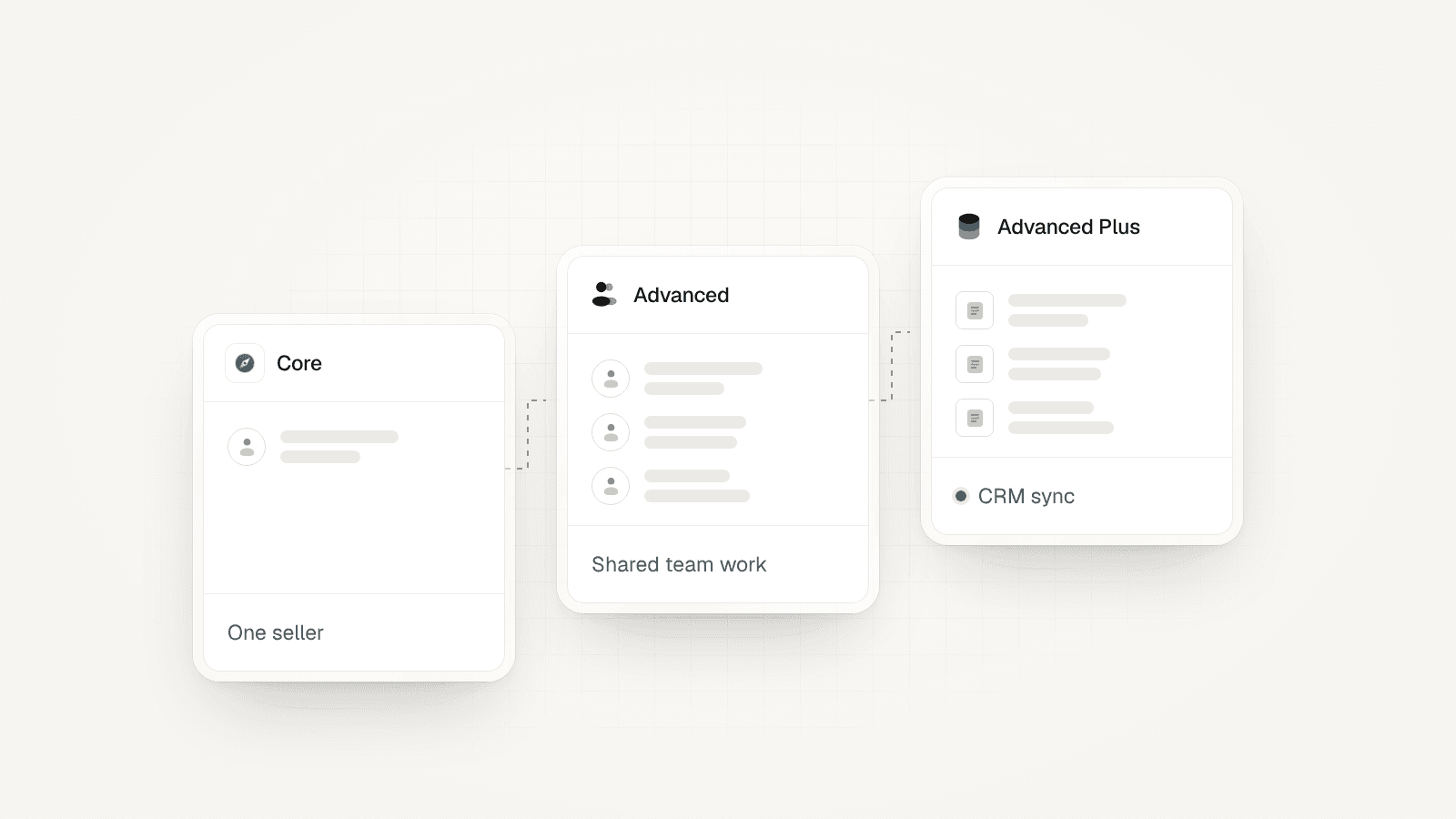
Core starts at $119.99 per user a month, or $1,079.88 for a year. Advanced starts at $159.99 monthly, or $1,799.88 yearly. Advanced Plus has a custom quote. These are LinkedIn's US starting prices, checked on October 25, 2026. Tax, offers, region and device can change the price at checkout.
Yearly Core works out to $89.99 a month. Yearly Advanced works out to $149.99 a month. Those are the yearly prices divided by 12, rather than a monthly payment option. Check both the amount due today and the renewal date before you buy.
Sales Navigator plans and starting US prices
Per user, checked October 25, 2026. Yearly billing is paid for the year. Advanced Plus needs a quote from LinkedIn.
| Plan | Monthly billing | Yearly billing | Best fit | InMail a month |
|---|---|---|---|---|
| Core | $119.99 | $1,079.88 | One seller | 50 |
| Advanced | $159.99 | $1,799.88 | Shared team work | 50 |
| Advanced Plus | Custom quote | Custom quote | CRM sync | 50 |
When does Sales Navigator Core fit?
Core fits a seller who works their own lead list and needs better ways to find buyers. It includes advanced search, saved leads, custom lists and alerts. A lead is a person you may sell to; an account is their company. You can save people and firms, then watch for changes.
Start with a real account list. Find the job roles you need at each firm and save the right people. Ask whether the alerts give you a reason to speak with them. If your team has no clear buyer or outreach plan yet, fix that before paying for more search tools.
Sources: LinkedIn Help: Sales Navigator account types and features
What does Advanced add over Core?
Advanced adds shared lists, team reporting, Buyer Intent, TeamLink and Smart Links. TeamLink helps find a warm introduction through a colleague. Smart Links let you share content and see how people engage. Buyer Intent shows signals of interest in your company. These are team features; they do not increase the monthly InMail allowance.
Choose it when reps need to share research or work the same group of accounts. Give one person the job of keeping those lists useful. An upgrade makes little sense if each rep keeps a separate list and no one acts on the shared signals.
Sources: LinkedIn Help: Sales Navigator account types and features
Which Sales Navigator plan includes CRM sync?
Advanced Plus is the plan for CRM sync. Core and Advanced do not include it. All three plans include 50 InMail credits a month. A CRM is the system where your team keeps contacts, deals and sales notes. LinkedIn lists CRM sync for HubSpot, Microsoft Dynamics 365, Oracle Sales and Salesforce; check your exact setup with its sales team.

Before you request a quote, list what must move between the two tools. Do reps need to create contacts, log messages or see open deals? Ask for a demo using those tasks. A broad integration claim is less useful than seeing the fields and actions your team needs.
Sources: LinkedIn Help: Sales Navigator account types and features
How do Sales Navigator InMail credits work?
Each plan includes 50 InMail credits per user a month. InMail lets you contact someone outside your network. LinkedIn caps the balance you can hold at 150 credits. An accepted, declined or answered InMail returns its credit when the response comes within 90 days. A pending message does not earn it back.
Treat those credits as a small set of researched messages. Pick people with a clear reason to hear from you and write to that reason. Track replies and useful sales talks, rather than the number sent. Buying Advanced for extra InMail will not solve a volume limit, since the plans have the same allowance.
Sources: LinkedIn Help: InMail credits and renewal, LinkedIn Help: Sales Navigator account types and features
What does a team of three pay?
Three Core seats cost $3,239.64 a year on yearly billing. Three Advanced seats cost $5,399.64. Paid month by month, the same seats cost $359.97 or $479.97 a month. These totals multiply LinkedIn's US starting price by three and exclude tax and offers.

The gap is $2,160 a year between the yearly plans for three people. Use that number in your choice: what will shared lists or team signals change? Write down the task, who will do it and how you will check the result. Price the full stack too, including your CRM and any separate outreach tools.
How do the free trial and cancellation work?
A trial started on LinkedIn.com turns into a paid plan one month after signup unless you cancel. LinkedIn Help says to cancel at least one day before renewal to avoid the charge. Check the date in LinkedIn Admin Center and set your own reminder.
Trial access for Core or Advanced depends on eligibility and region. LinkedIn says you must have no current paid LinkedIn plan and no free trial in the past 365 days. Paid monthly plans end at the end of the month when canceled; yearly plans end at the end of the paid year.
Sources: LinkedIn Help: auto-renewal after a free trial, LinkedIn Sales Navigator plans and pricing
Does Sales Navigator make automation safe?
Sales Navigator does not remove the account risk of third-party automation. LinkedIn says it does not allow software or extensions that scrape or automate activity on its website. Its help page describes account restrictions for automated activity. A paid subscription does not change that rule.
Keep the purchase decision separate from any outreach tool. Paying for better search says nothing about whether LinkedIn permits another tool's actions. Ask what that tool does, what data it reads and which actions it runs. Do not treat pacing, a cloud service or a paid LinkedIn plan as a promise that an account cannot be restricted.
Is Sales Navigator worth it for an SDR team?
It is worth testing when reps know their target accounts but struggle to find the right people or a timely reason to reach out. An SDR is a sales development rep who starts new sales talks. Choose a small, real account set and compare the work before and during the trial.
Count useful people found, reasons to contact them and sales talks that follow. Include the time spent checking each result. Set your own success bar before the trial starts. If the list grows but no rep uses it, more seats are unlikely to fix the gap. Test Core for solo work; test Advanced when shared work is the need.
Where does OXYGEN fit beside Sales Navigator?
OXYGEN helps a sales team work from a lead list to email and LinkedIn follow-ups in one workspace. Tables hold the research, enrichment fills missing contact details, and Sequences put the steps in order. Your LinkedIn account connects through a hosted sign-in link. Read the integration guide before you connect it.
Budget for LinkedIn and OXYGEN separately. OXYGEN's plan and connection costs are on its pricing page. Decide which task each tool owns so reps do not repeat the same work. OXYGEN does not remove LinkedIn's account restrictions, and this guide makes no claim that automation is safe.
What to check before you buy
- LinkedIn's listed prices are estimates. Check the tax, currency, billing term and final amount at checkout.
- Core and Advanced do not include CRM sync. Advanced Plus needs a quote and a check of your CRM setup.
- LinkedIn can restrict accounts for third-party automation. Sales Navigator and OXYGEN cannot promise account safety.
Frequently asked questions
How much is Sales Navigator per month?
Core starts at 119.99 US dollars per user a month; Advanced starts at 159.99. Yearly billing lowers the monthly equivalent but you pay for the year. Advanced Plus needs a quote. The table shows LinkedIn's US starting prices before tax or offers.
Is there a free trial of Sales Navigator?
Eligible LinkedIn members can try Core or Advanced. You must have no current paid LinkedIn plan and no free trial in the past 365 days. A trial started on LinkedIn.com becomes paid after one month unless canceled.
What is the difference between Core and Advanced?
Core fits one seller's search and saved lists. Advanced adds shared lists, team reporting, Buyer Intent, TeamLink and Smart Links. Both include 50 InMail credits a month. Neither includes CRM sync; that needs Advanced Plus.
Can I cancel Sales Navigator anytime?
You can cancel, but a paid plan ends at the end of its current term. For a yearly plan, that is the end of the paid year. A LinkedIn.com trial needs cancellation at least one day before renewal to avoid the next charge.
Do I need Sales Navigator for LinkedIn automation?
A search subscription and an automation tool are separate choices. Do not buy Sales Navigator as an account-safety measure. LinkedIn's rules against third-party automation still apply, and an account can be restricted despite having a paid plan.
Does Advanced include more InMail credits?
No. Core, Advanced and Advanced Plus each include 50 InMail credits per user a month. Advanced adds tools for team work. Pick it for those features rather than to increase how many people you can contact through InMail.
Related
Sources
- LinkedIn Sales Navigator plans and pricing, checked October 25, 2026
- LinkedIn Help: Sales Navigator account types and features, checked October 25, 2026
- LinkedIn Help: InMail credits and renewal, checked October 25, 2026
- LinkedIn Help: auto-renewal after a free trial, checked October 25, 2026
- LinkedIn Help: automated activity on LinkedIn, checked October 25, 2026
Updated October 25, 2026. OXYGEN's own prices and limits come from the product and its live price list. The other products named here are trademarks of their owners and are not affiliated with OXYGEN. Something out of date? Tell us.